


You don’t need to drain your savings account to enjoy smooth, high-quality gaming on the go. While premium gaming laptops can cost thousands, savvy shoppers can find excellent gaming performance for under $600 with the right approach.
Budget-conscious gamers face a unique challenge: balancing performance with affordability. The good news is that recent advances in technology have made powerful gaming more accessible than ever. From refurbished models with higher-tier specs to new laptops optimized for cloud gaming, there are multiple paths to gaming excellence on a tight budget.
This guide covers everything you need to know about finding the best gaming laptop for $600 or less. We’ll explore essential features to prioritize, highlight top laptop models, and share optimization tips for VR and cloud gaming. You’ll also discover why refurbished gaming laptops might be your secret weapon for achieving maximum performance for your dollar.
Key Features to Look for in a $600 Gaming Laptop
Graphics Performance That Actually Matters

Your GPU is the heart of any gaming laptop. At the $600 price point, look for laptops featuring NVIDIA GTX 1650, GTX 1660, or AMD Radeon RX 5500M graphics cards. These entry-level GPUs can handle most modern games at 1080p with medium to high settings.
Refurbished gaming laptops often offer the best chance for superior graphics performance. A two-year-old refurbished model might feature a GTX 1070 or RTX 2060, delivering significantly better performance than new laptops at the same price.
RAM and Processing Power Fundamentals
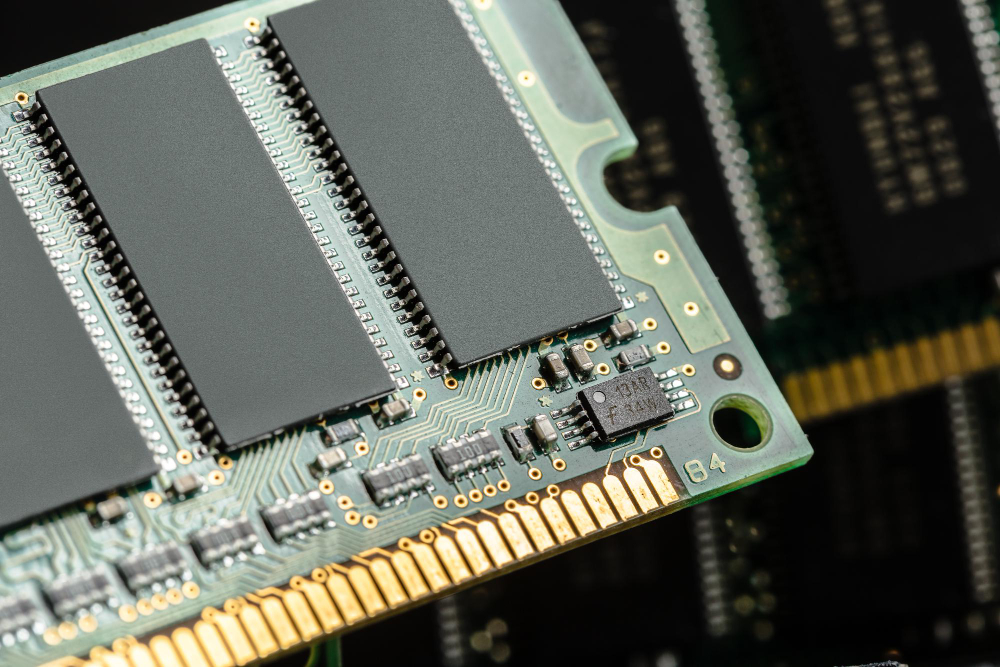
Eight gigabytes of RAM serves as the absolute minimum for gaming, but 16GB provides much better future-proofing. Many budget laptops come with 8GB but offer upgrade slots for expansion. Some models can even accommodate up to 32GB RAM, though you’ll likely need to upgrade yourself to reach these capacities within your budget.
For processors, target recent AMD Ryzen 5 or Intel Core i5 chips. The AMD Ryzen 5 4600H and Intel i5-10300H offer excellent gaming performance and frequently appear in sub-$600 laptops.
Display Considerations
A 14-inch gaming laptop offers excellent portability, making it perfect for gaming on the go. However, if you primarily game at home, a 15.6-inch display provides more immersive visuals without significantly impacting your budget.
OLED gaming laptop displays remain largely out of reach at this price point; however, you can find quality IPS panels with good color accuracy and wideviewing angles. Prioritize 1080p resolution and a minimum 60Hz refresh rate, although some budget models now offer 120Hz displays.
Storage and Performance

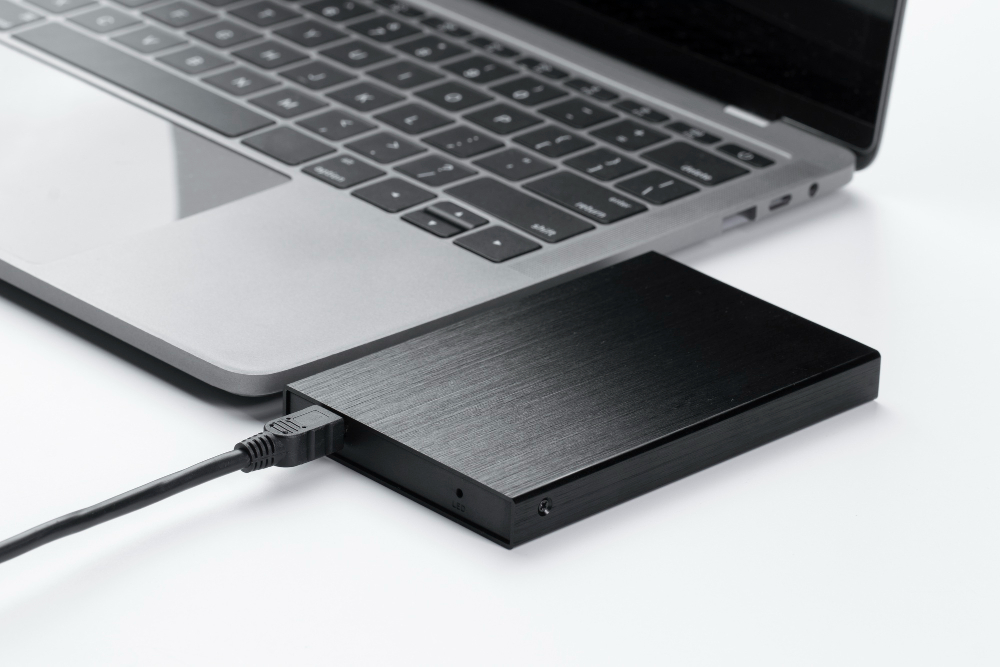
Choose SSD storage over traditional hard drives whenever possible. A 256GB SSD offers significantly faster boot times and substantially reduced game loading times compared to a 1TB HDD. You can always add external storage later for larger game libraries.
Battery Life and Thermal Management
Gaming laptops under $600 typically offer 3-5 hours of battery life during light use, but this drops to 1-2 hours during gaming sessions. This is normal for the price range, so plan to game near power outlets.
Good cooling systems prevent thermal throttling, which can tank performance during extended gaming sessions. Look for laptops with dual-fan cooling systems and avoid models that consistently receive complaints about overheating in reviews.
Top Gaming Laptops Under $600
Acer Nitro 5
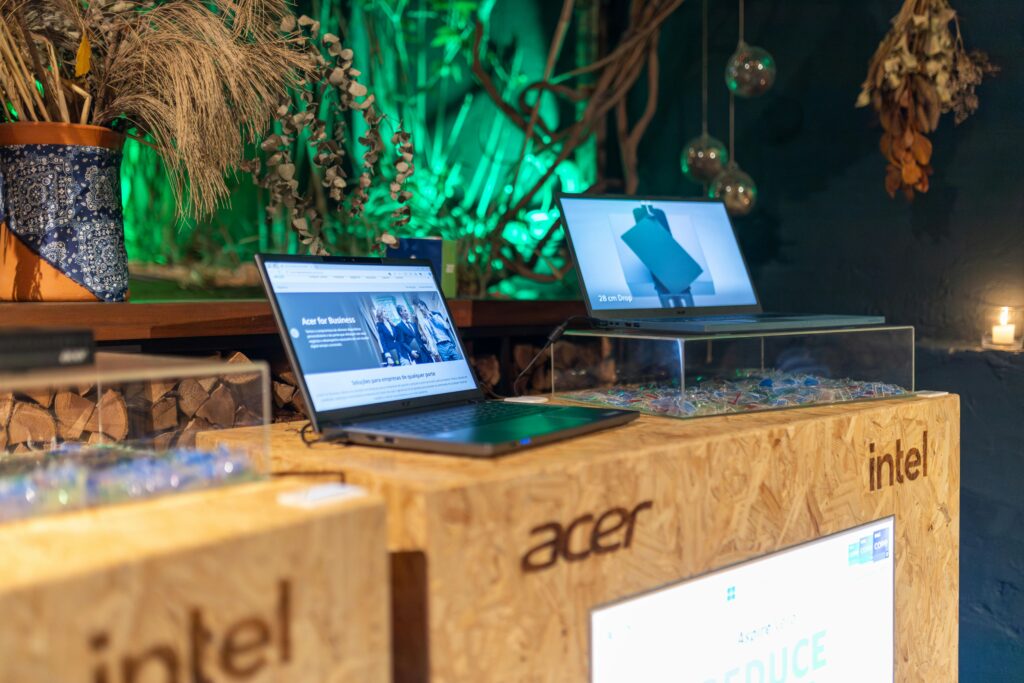
The Acer Nitro 5 frequently appears in budget gaming discussions for good reason. Models within your budget typically feature AMD Ryzen 5 processors, NVIDIA GeForce GTX 1650 graphics, 8GB of RAM, and a 15.6-inch display. The build quality is solid, cooling is adequate, and RAM upgrades are straightforward.
Lenovo IdeaPad Gaming 3

Lenovo’s budget gaming entry offers similar specs to the Nitro 5 but often includes a slightly better keyboard and trackpad. The 15.6-inch display provides good color reproduction, and the cooling system handles most games without excessive fan noise.
MSI GF63 Thin

MSI’s ultra-portable option weighs less than most 15-inch gaming laptops while maintaining solid performance. The trade-off comes in battery life and cooling capacity, but the portability makes it ideal for frequent travelers.
Refurbished Predator Gaming Laptops
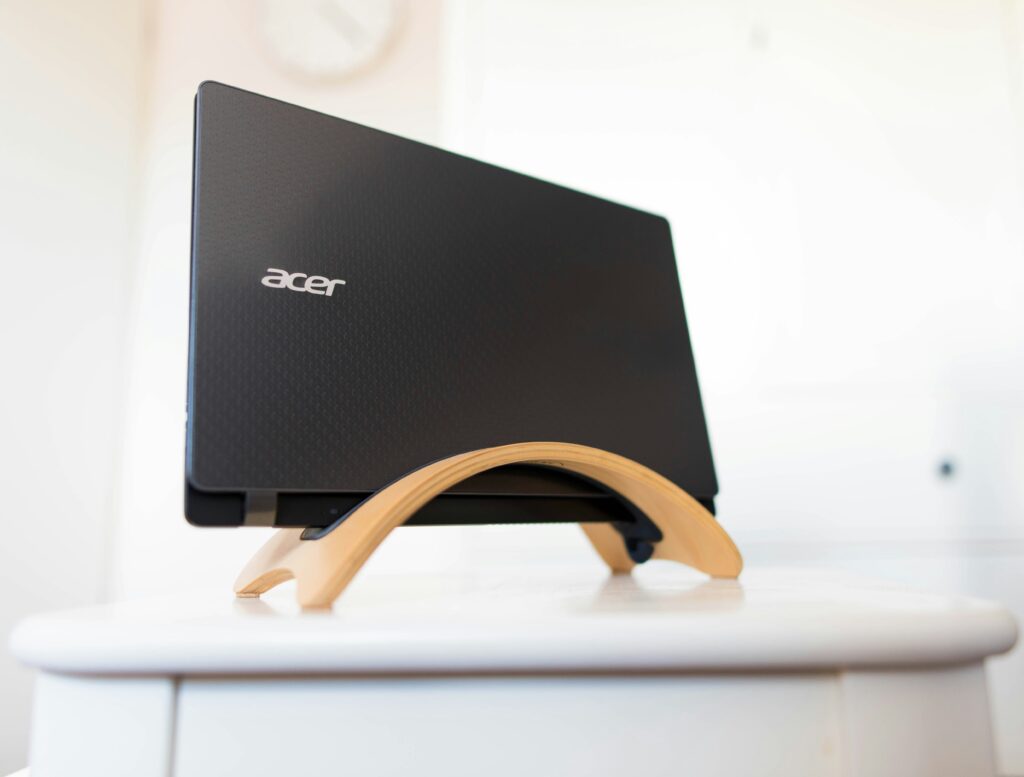
Acer’s Predator line offers exceptional performance when purchased refurbished. A two-year-old Predator Helios 300 can sometimes be found under $600, featuring GTX 1060 or even GTX 1070 graphics that outperform new laptops at this price point.
Dell G3 or G5 Series
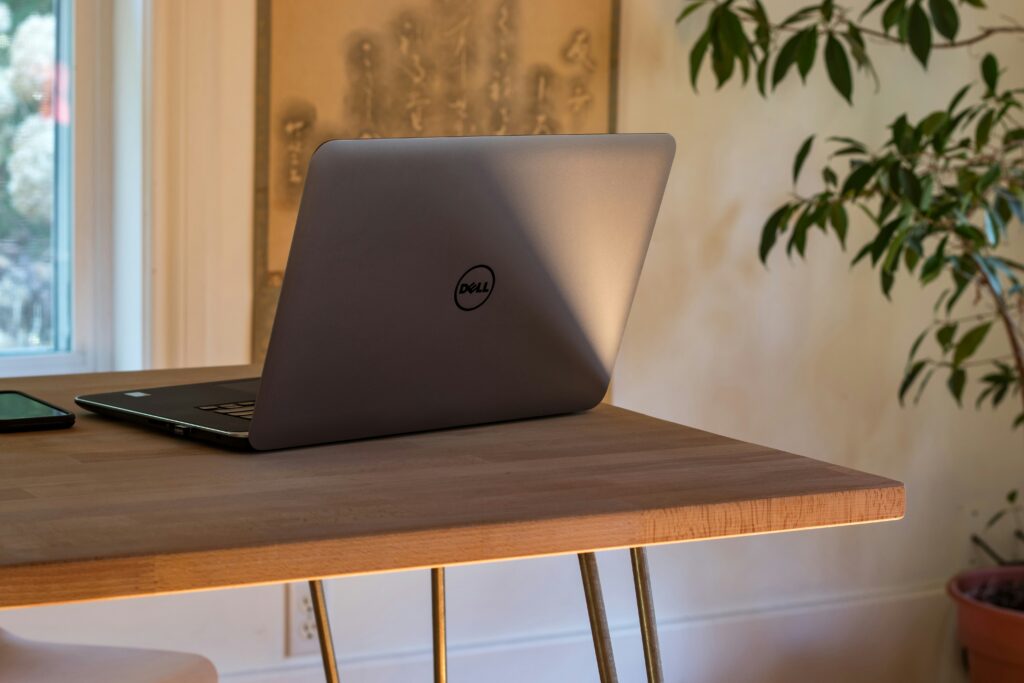
Dell’s gaming laptops offer reliable build quality and good customer support. While not flashy, they offer consistent performance and often come with better warranties than other budget options.
How to Optimize a Gaming Laptop for VR
Hardware Upgrades for VR Ready Performance
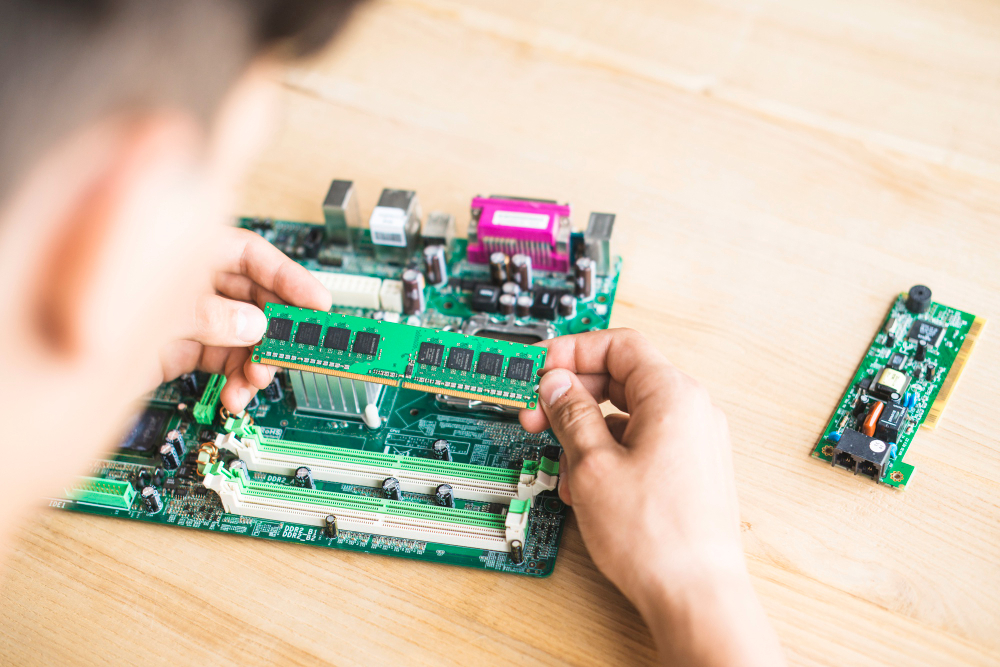
VR gaming demands more from your hardware than traditional gaming. If your laptop supports it, could you upgrade to 16GB RAM immediately? VR applications are memory-intensive, and 8GB will create bottlenecks.
Ensure your laptop’s USB ports can handle the requirements of a VR headset. Most budget gaming laptops come equipped with USB 3.0 ports; however, verify compatibility with your chosen VR system before making a purchase.
Software Optimization Strategies
Lower non-essential graphics settings, such as shadows, reflections, and particle effects. VR prioritizes smooth frame rates over visual fidelity, so reducing these settings can dramatically improve performance.
You can close unnecessary background applications before you start your VR gaming session. Every bit of processing power matters when running VR applications on budget hardware.
Cooling System Management
VR gaming generates significant heat. Use a laptop cooling pad to improve airflow and prevent thermal throttling. Position your laptop in a well-ventilated area and consider undervolting your CPU to reduce heat generation.
How to Optimize a Gaming Laptop for Cloud Gaming
Internet Connection Requirements
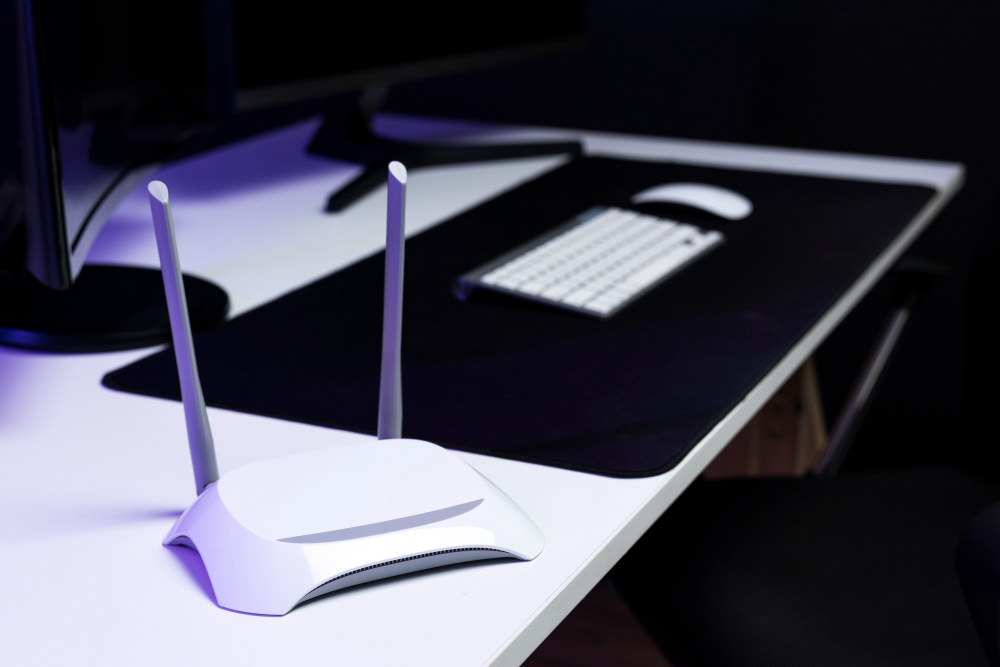
The success of cloud gaming depends entirely on your internet connection. You’ll need at least 15 Mbps for 1080p gaming, though 25 Mbps provides better stability. Wired Ethernet connections offer better performance than Wi-Fi when possible.
Device Configuration Tips

Disable Windows Game Mode, which can interfere with cloud gaming applications. Set your power plan to “High Performance“ to ensure your laptop doesn’t throttle its performance to conserve battery.
Close bandwidth-intensive applications, such as streaming services or file downloads, before starting cloud gaming sessions. These can cause lag spikes that ruin your gaming experience.
Popular Cloud Gaming Platforms
NVIDIA GeForce NOW works exceptionally well on budget laptops, requiring minimal local processing power. Xbox Cloud Gaming integrates seamlessly with Game Pass subscriptions, offering excellent value for casual gamers.
Google Stadia (now discontinued) and Amazon Luna provide additional options, though availability and game libraries vary by region.
Why Consider Refurbished Gaming Laptops
A refurbished gaming laptop undergoes a professional inspection, cleaning, and testing process before being resold. This process often results in devices that perform like new, but at a significantly lower cost.
Advantages of Refurbished Models
The primary benefit is performance per dollar. A $600 refurbished laptop might feature specs that would cost $1,000 or more when new. You’re essentially getting premium hardware at budget prices.
Environmental benefits matter too. Purchasing refurbished extends product lifecycles and reduces electronic waste.
Potential Drawbacks

Warranties are typically shorter (30-90 days versus 1+ years for new laptops). Cosmetic wear, such as scratches or worn keys, is common, although it doesn’t affect performance.
Battery life may be reduced compared to new units, especially in laptops over two years old.
Safe Buying Tips

Purchase from reputable retailers like Amazon Renewed, Best Buy, or manufacturer outlet stores. These sources offer return policies and customer support if issues arise.
Please review the return policy carefully. A 30-day return window provides enough time to test gaming performance and identify any problems.
Maximizing Your Gaming Setup
Essential Accessories
A laptop cooling pad improves thermal performance and extends hardware lifespan. Expect to spend $20- $40 for a high-quality cooling solution.
An external mouse and mechanical keyboard dramatically improve gaming comfort and precision. Budget $50-100 for both accessories.
Consider an external monitor for home gaming. A 24-inch 1080p gaming monitor typically costs around $150 and offers a significantly better experience than laptop displays.
Maintenance and Longevity

Clean your laptop’s fans and vents monthly to prevent dust buildup. Compressed air cans work well for this task.
Keep graphics drivers updated for optimal game compatibility and performance. Both NVIDIA and AMD release regular driver updates that can improve gaming performance.
Making Your Budget Work Harder

Smart shopping strategies can stretch your $600 budget further. Black Friday, back-to-school sales, and end-of-year clearances often feature gaming laptops at significant discounts.
Consider slightly older models when the new generations are launched. Last year’s gaming laptop, priced at $500, might outperform this year’s $600 model due to pricing pressures.
Don’t forget about manufacturer outlet stores and open-box deals from major retailers. These options provide near-new hardware at refurbished prices.
Your gaming laptop investment should provide years of entertainment. Focus on models with upgrade potential, solid cooling systems, and reliable customer support. Whether you choose a new or refurbished model, the right $600 gaming laptop can deliver surprising performance that rivals much more expensive alternatives.
Start by identifying your primary gaming preferences—competitive esports, AAA single-player games, or cloud gaming convenience. This focus will guide your hardware priorities and help you make the smartest choice for your budget and gaming style.
Conclusion
In conclusion, finding the best gaming laptop under $600 is not only possible but also incredibly rewarding for budget-conscious gamers. By focusing on key features like graphics performance, RAM, and display quality, and exploring options like refurbished models, you can unlock impressive gaming experiences without overspending. Whether you’re diving into competitive esports, exploring AAA titles, or embracing the convenience of cloud gaming, there’s a laptop out there to match your needs. With smart shopping strategies and a little optimization, your budget-friendly gaming setup can deliver performance that exceeds its price tag. Game on!